




WhatsApp has become one of the most integral business communication channels in the UAE. Whether you want to confirm an order or update any delivery status, WhatsApp can assure you of a faster and more convenient way to stay connected compared to traditional approaches.
However, manually sending messages to every customer is not practical as the business grows. This is where Odoo WhatsApp integration comes into the picture. By connecting Odoo with the WhatsApp Business API, businesses can easily automate their customer communication while improving response times. Overall, it creates a better customer experience.
At Inova Tech, our erp consulting services help UAE businesses integrate Odoo with the WhatsApp Business API to simplify operations and automate notifications. This guide explains everything you need to understand before getting started with your journey.
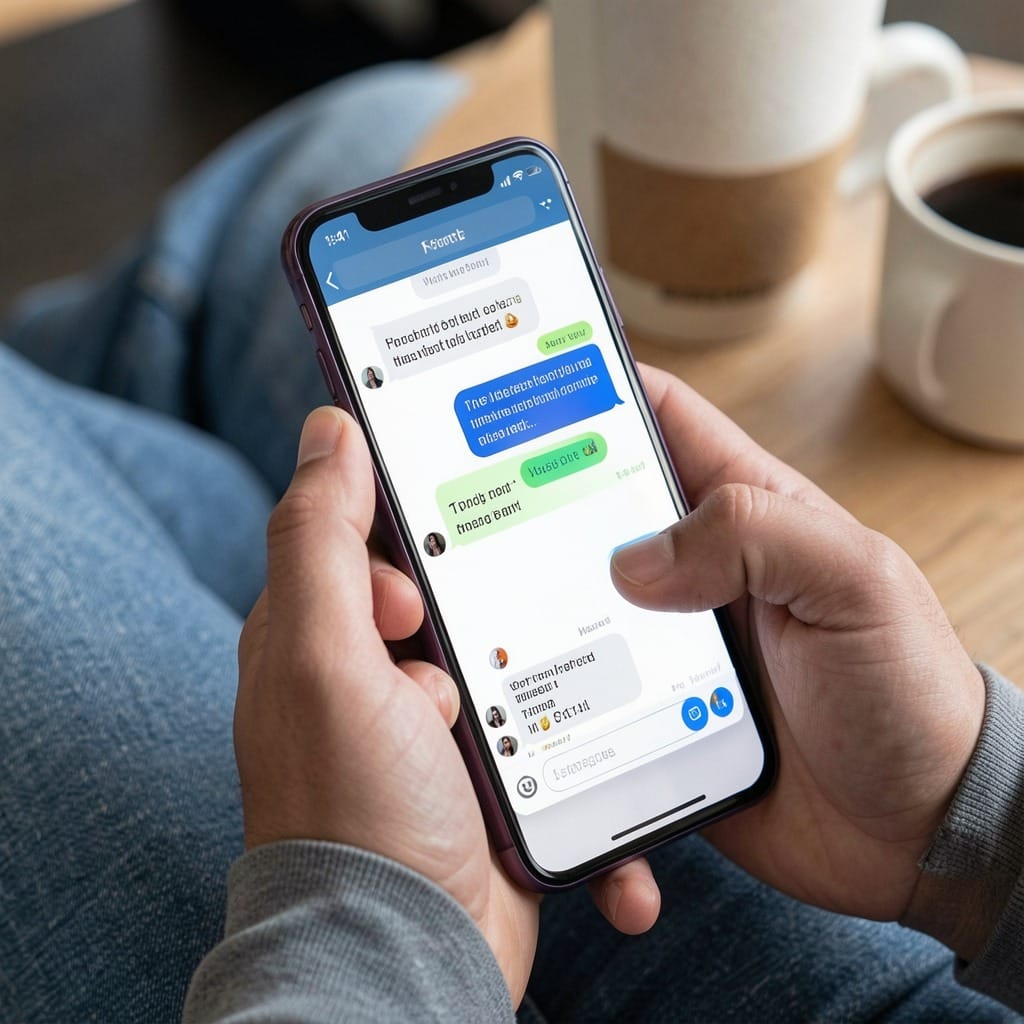
Why You Should Integrate Odoo with WhatsApp Business API?
Odoo already handles your sales, CRM, inventory, accounting, and customer information. On the other hand, WhatsApp is where your customers prefer to communicate. So, connecting both these platforms allows them to work together more effectively. With Odoo WhatsApp integration, your business can easily access the features listed below.
- Notify customers about their shipment updates.
- Send order confirmations to your customers.
- Share invoices and payment reminders.
- Confirm appointments and bookings.
- Send quotations instantly.
- Respond to customer inquiries more effectively.
- Offer personalised notifications based on your business events.
What is WhatsApp Business API?
Unlike your standard WhatsApp Business application, the WhatsApp Business API is curated for medium and large businesses that need scalable customer communication.
- It allows your business to automate customer conversations.
- You can connect WhatsApp with ERP and CRM systems.
- Send approved template messages.
- Maintain secure business communication and handle high message volumes.
- Most importantly, you can support multiple customer service agents.
When integrated with Odoo, it becomes a powerful communication tool for every department.
Step-by-Step Guide to Your Odoo WhatsApp Integration
Here is the step-by-step guide to your Odoo WhatsApp integration. Go through these steps to make the approach more convenient.
- Prepare Your Odoo Environment
Start by ensuring your Odoo system is updated and precisely configured. This includes your customer database, sales module, CRM, inventory, accounting, and automation workflows. A clean ERP environment can help you create more reliable automated communication.
- Obtain WhatsApp Business API Access
The next step is obtaining access to the official WhatsApp Business API. For this, your business needs business verification, phone number verification, API approval, and message template approval. This process ensures your communications remain secure and to the point.
- Configure the Integration
Once your API access is approved, connect WhatsApp with Odoo using secure API credentials. The integration establishes communication between both platforms. This allows Odoo to automatically trigger WhatsApp messages whenever predefined business events happen. At Inova Tech, we bring proper Odoo customization to the integration, configuring it as per your unique workflows instead of depending on generic templates.

- Create Automated Notification Workflows
Automation comes with major value for your business. You can configure workflows as mentioned here.
Order placed-send confirmation.
Invoice generated-send payment reminder.
Delivery dispatched-send tracking information.
Appointment booked-Send confirmation.
Payment received-send receipt.
Service request created-Notify your customers instantly.
These automated notifications can reduce your manual work efforts while keeping your customers informed about every stage.
- Design Approved Message Templates
WhatsApp Business API requires your business to use approved message templates for outbound communication. Some examples include order confirmation, delivery update, invoice notification, appointment reminder, payment reminder, and customer feedback request.
Templates can also include customer names, order numbers, invoice details, and delivery information, using dynamic fields from the Odoo migration.
- Test Before the Deployment Process
Before deploying your integration, we test every workflow thoroughly. In this step, we verify if the messages trigger correctly, customer details populate precisely, delivery status is recorded, and templates display properly. Proper testing prevents communication errors once the integration goes live.
Benefits of Odoo WhatsApp Integration for UAE Businesses
Businesses across retail, healthcare, logistics, manufacturing, education, and professional services are mainly adopting WhatsApp automation. This is because it delivers measurable operational improvements. Here are some of the biggest advantages to remember.
- Faster Customer Communication
Customers get real-time updates without waiting for manual responses.
- Higher Customer Satisfaction
Get instant notifications that can encourage transparency throughout the customer journey.
- Less Manual Work
Routine communication becomes completely automated. This can allow your employees to prioritise higher-value tasks.
- Improved Sales Follow-Ups
Your sales team can automate quotation sharing, payment reminders, and customer follow-ups.
- Centralised Business Operations
All customer interactions remain connected to Odoo. This provides your team with a complete communication history without any delays.

What are Some Common Challenges You Might Face During Integration?
Although our setup remains straightforward with the right expertise, businesses generally encounter a series of challenges as listed here. Here are some of the common ones.
- Unapproved message templates.
- Incorrect API configuration.
- Poor workflow design.
- Duplicate customer needs.
- Missing customer permissions.
- Integration compatibility issues.
Transform Your Customer Communication with Us
Integrating Odoo with the WhatsApp Business API is more than a technical upgrade. It is a smarter way to communicate with customers. With automated notifications, you can easily reduce manual efforts while improving response times. Further, you can create a seamless customer experience that can support long-term business growth.
If you are looking to implement Odoo WhatsApp integration or align your ERP with expert guidance, Inova Tech, as your trusted Odoo partner in UAE, is here to help you build an efficient solution. This can keep your business connected with your potential audiences.
FAQs
Is Odoo WhatsApp integration necessary for small businesses present in the UAE?
Yes, businesses of all sizes can get the benefits of WhatsApp automation. As an erp for small business solution, it helps them easily encourage customer communication, while larger organisations can automate high volumes of notifications and customer interactions.
Can Odoo automatically send invoices and order confirmations through WhatsApp?
Yes, once the integration is configured, Odoo can automatically send invoices, quotations, order confirmations, payment reminders, etc. However, it is based on your predefined workflows.
Do I need the official WhatsApp Business API for integration?
Yes, the official WhatsApp Business API is needed to enable secure, scalable and compliant communication between Odoo and your customers. The standard WhatsApp Business app doesn’t offer the same automation capabilities.